Home Indicators MFT Order Flow Value Area
MFT Order Flow Value Area

The prior session's value area - VAH, POC and VAL - on your NinjaTrader 8 chart, with three value area setups confirmed by the order flow, a footprint inside every bar, a delta strip under the chart, auto trading with stops and targets at the levels, a Trade Center that keeps every trade and a Strat

$295 $177 40% OFFSAVE $118

Black Friday Sale! You wanted a couple more days! · Sale ends Mon Nov 30, 11:59 PM PT

  • Lifetime license
  • Lifetime updates
  • 30-min setup call
  • PDF manual

Choose your license (how many computers you’ll run it on)

Trade on two computers? Add a 2nd PC for just $88.50 more, half of today’s price.

Or pay monthly, own it later: $50/month for up to 6 months. Every payment counts toward Lifetime, so you can upgrade any time and pay only the difference. Cancel any time.

Start monthly plan · $50/mo

✓ 30-day money-back guarantee · How it works 🔒 Secure checkout (Stripe · PayPal) ⚡ Instant download

Runs on NinjaTrader 8 Desktop for Windows. NinjaTrader add-ons don’t run on NinjaTrader Web or Mobile. New to NinjaTrader? See how to get it →

Overview

What it does

MFT Order Flow Value Area puts the prior session's value area on your chart - the value area high (VAH), the point of control (POC) and the value area low (VAL) - and shows you who is really trading at those levels.

The value area tells you where to trade. The order flow tells you when. Each setup can wait for the order flow to agree - buyers winning the bar, sellers absorbed at the low, a push that ran out, or stacked imbalances - so you only take the trades the market is backing. Turn Auto Trading on and it takes the trade for you, with a stop and targets at the levels. Leave it off and it shows you the setups, and you trade from the panel yourself.

Three value area setups

  • VA REJECT - price pushes past VAH or VAL and fails; the trade goes back into value toward the POC. A push on strong volume is left alone
  • 80% RULE - the session opens outside value and comes back inside; the trade goes toward the other side of value
  • VA BREAKOUT - price closes outside value and holds; the trade goes with the break, with an optional retest entry
  • All on 5-minute bars, from 9:30 to 4:00 Eastern by default

Order flow confirmation

  • Delta Agrees - buyers won the bar for a long, sellers for a short
  • Absorption - sellers hit the bid hard at the low and still could not push it down (or the mirror at the high)
  • Thin At The Extreme - the push ran out of buyers or sellers at the bar's high or low
  • Stacked Imbalance - buyers or sellers stacked imbalances the trade's way
  • Use one, several, or none - all off, it trades the value area setups as they are
  • Each trade's label shows what confirmed it

See the order flow

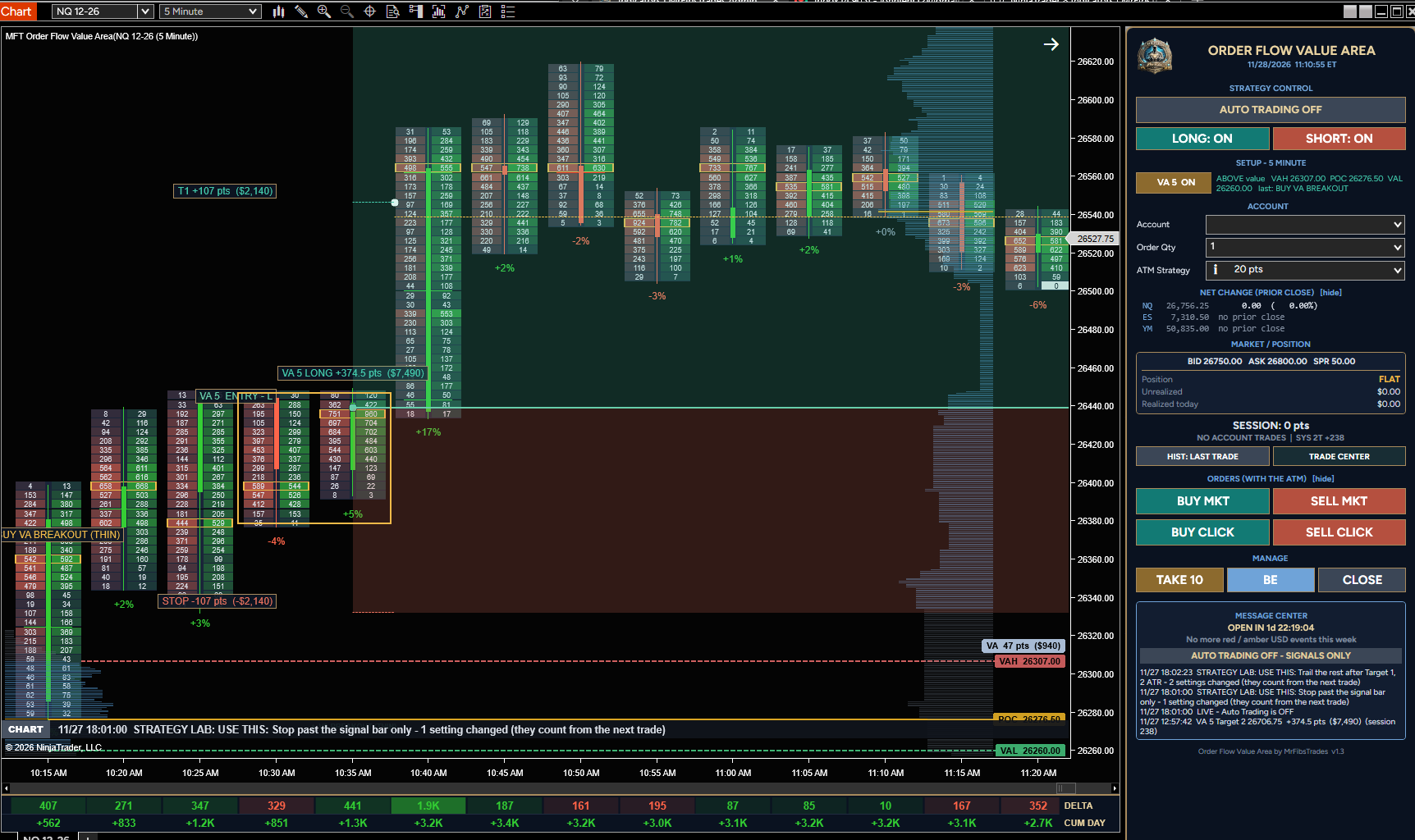
  • A footprint inside every bar: volume sold at the bid and bought at the ask at every price, imbalances outlined, the bar's busiest price boxed
  • Delta % under each footprint bar
  • A strip under the chart with each bar's delta and the day's cumulative delta, lined up under its bar
  • Zoom out and the normal candles come back

See the value area at a glance

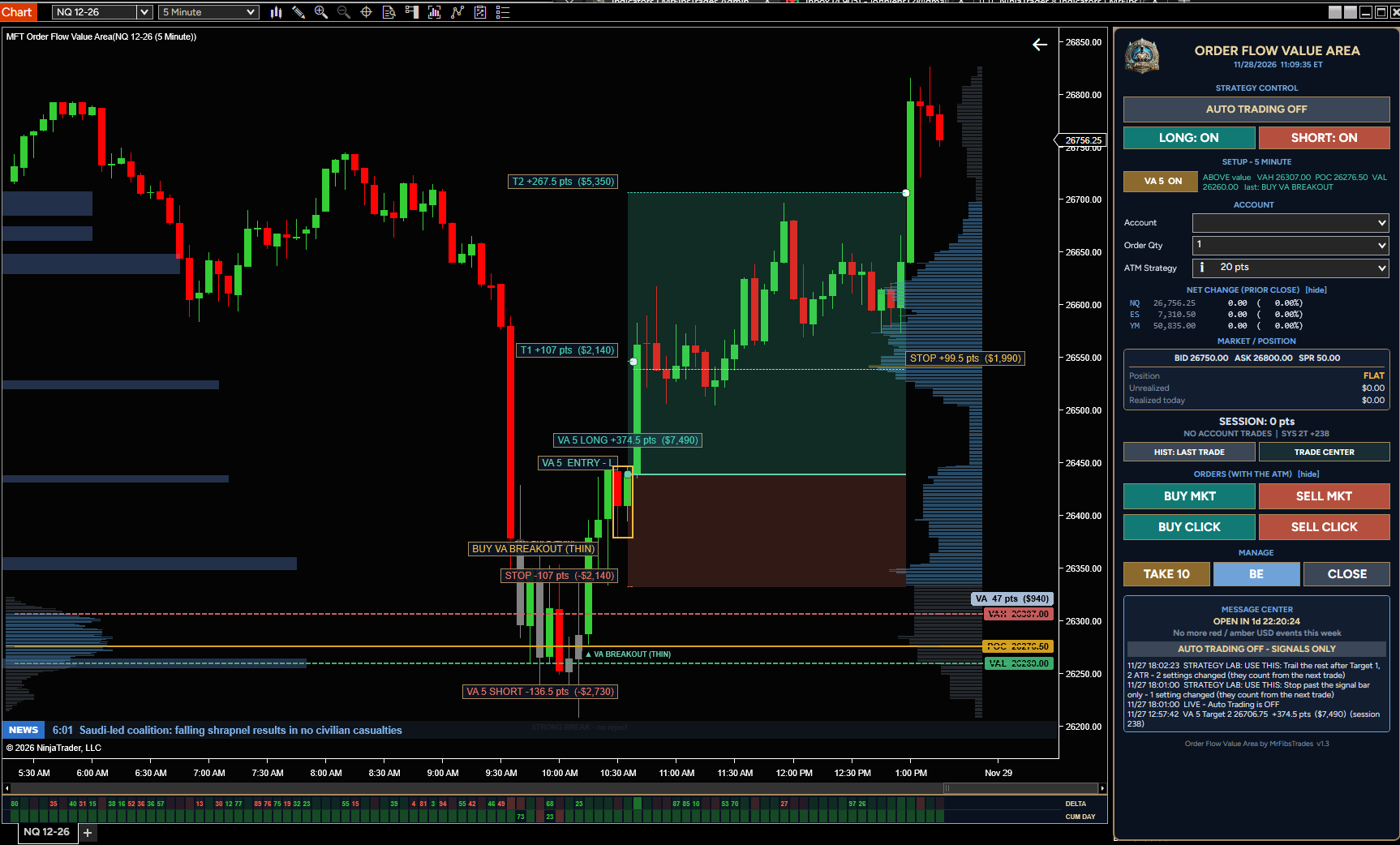
  • VAH, POC and VAL lines, and the profile they come from
  • Today's profile building on the right of the chart
  • Bars inside value turn grey, so you see the moment price leaves value
  • Thin spots inside the profile where price often pauses
  • A tag at every setup, taken or not

Every trade managed

  • Stop past the signal bar, in points, or the tighter of the two
  • Target 1 at the POC (or a thin spot before it), Target 2 at the other edge of value or a reward you set
  • Up to 5 targets, break-even after the first target and an optional trailing stop
  • Daily profit stop, daily loss stop, maximum trades per day and trade hours
  • Maximum contracts safety limit

A panel inside Chart Trader

  • AUTO TRADING, LONG and SHORT switches, and the setup on or off
  • Account, Order Qty and ATM Strategy - remembered with the chart
  • BUY MKT / SELL MKT, and BUY CLICK / SELL CLICK at your price on the chart
  • TAKE, BE and CLOSE to manage the trade
  • Net change for NQ, ES and YM, economic events and the countdown to the open or close
  • A Message Center that says what happened and why

Trade Center and Strategy Lab

  • TODAY: the current trade, the session scoreboard and every trade
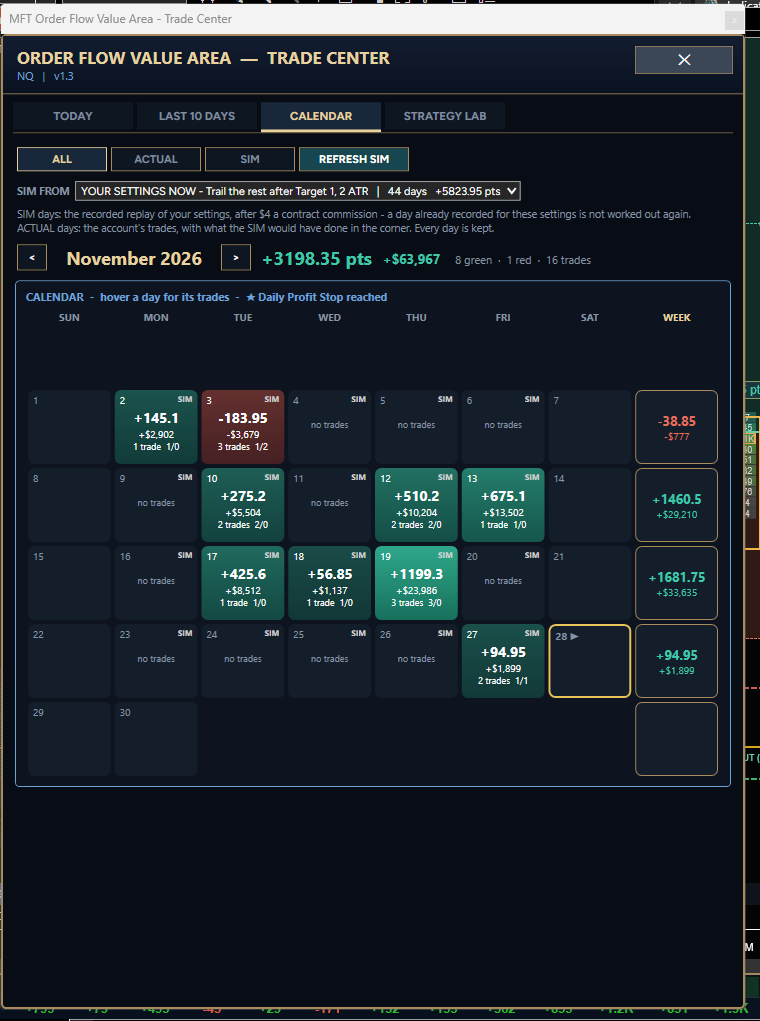
  • LAST 10 DAYS and a CALENDAR with every day green or red and weekly totals
  • On the days you traded, the calendar shows what the system would have done beside your result - see where you cut a winner early or held a loser
  • STRATEGY LAB: replays your settings on the last 60 market days after commission, with and without each order flow confirmation, and shows a change only when it did better in both halves of the period
  • Every set of settings keeps its own record of days, so you can follow a change for months and see if it still holds

Also included

  • News bar with the next big economic event, market headlines and your trades
  • Popups before red-folder USD events
  • Entry and target alert sounds
  • Works in Playback
  • Full user manual and a quick sheet of when and why each trade is taken

Trading futures involves substantial risk of loss. Results are not guaranteed; losing trades and losing days happen. Strategy Lab and simulated results are hypothetical. Test on a Sim account until you are comfortable.

📦 What’s included

  • Lifetime license, one-time purchase
  • Instant download from My Account
  • Lifetime updates, with an email when a new version is out
  • Instant licensing on your Machine ID
  • Step-by-step PDF manual
  • 30-minute one-on-one setup call

30-day money-back guarantee

If it doesn’t work as described on this page and we can’t fix it within 14 days of you telling us, you get your money back. Tell us within 30 days of buying. Changed your mind instead? Trade it in once for store credit within 3 days. Refunds never cover trading losses. Read the full policy and Terms. Indicators are tools for analysis; they don’t guarantee profits. Please test in Sim or Playback first (Risk Disclosure).

MFT Order Flow Value Area features

Value Area Levels

VAH, POC and VAL drawn for you, with the profile they come from.

Order Flow Confirmation

Each setup can wait for delta, absorption, a thin extreme or stacked imbalances.

Footprint And Delta

Bid and ask at every price inside each bar, with delta and cumulative delta below.

Three Setups

VA REJECT, 80% RULE and VA BREAKOUT - trade them for you or just show them.

Trade Center

Every trade and every day, a profit calendar with your trades beside the system's.

Strategy Lab

Your settings on the last 60 days, with and without each order flow confirmation.
Reviews

No reviews yet. Own it? Leave the first review from your account page.

Screenshots

MFT Order Flow Value Area screenshot 1MFT Order Flow Value Area screenshot 2MFT Order Flow Value Area screenshot 3

Requirements & Setup

System requirements

PlatformNinjaTrader 8 Desktop (Windows)
NinjaTrader versionsNinjaTrader 8.1.x.x (every 8.1 release, including the latest, 8.1.8.4)
PlatformNinjaTrader 8.1 or newer
DataTick data (the footprint, delta and order flow confirmations come from it)
Chart type5-minute chart recommended
Chart TraderMust be visible - the panel sits inside it
Data connectionNeeded for live trading, the levels and the news
LicenseLifetime, one-time payment · 1 computer, or 2 computers with the 2nd at 50% off
UpdatesLifetime updates included · you get an email when a new version is out
Support30-minute one-on-one setup call · call or text (209) 353-4322 · mrfibs@mrfibstrades.com

Installation

  1. Buy it here and enter your NinjaTrader Machine ID (Help › About).
  2. Download the .zip from My Account, then in NinjaTrader 8: Tools › Import › NinjaScript Add-On.
  3. Restart NinjaTrader and add it to a chart. The PDF manual is in your account.
  4. In the indicator’s settings, under 00. License, enter the email of your MrFibsTrades account as the License Email.
  5. Run it in Sim or Playback until you’re comfortable with how it performs.

Good to know

Which NinjaTrader version does this work with?

NinjaTrader 8.1.x.x (every 8.1 release, including the latest, 8.1.8.4), on NinjaTrader Desktop for Windows. NinjaTrader add-ons don’t run on NinjaTrader Web or Mobile.

Is this a one-time purchase or a subscription?

One-time. You pay once and keep a lifetime license, with updates included.

Can I use it on more than one computer?

Each license runs on one computer (its NinjaTrader Machine ID). Choose 2 PC above to add a second computer for half of today’s price. You can also move a license to a new computer from My Account once every 30 days.

Do I get updates?

Yes. Updates are included for as long as you own it, and we email you when a new version is ready to download from My Account.

Frequently asked questions

Does it place trades automatically?

Only when you turn AUTO TRADING on. It always loads with Auto Trading off, showing the setups only, and the panel buttons still work for your own trades.

What does the order flow add?

It lets each setup wait until the buying and selling at that moment agree with it. You choose which confirmations to use, and the Strategy Lab shows which ones would have helped on your market.

Which markets can I use it on?

Any futures market with tick data - for example NQ, ES and YM, or the micros MNQ, MES and MYM.

Does it need tick data?

Yes. The footprint, the delta and the order flow confirmations come from the trades themselves. Load a few days on the chart, and download tick data for any days you replay in Playback.

Does it work with prop firm accounts?

It trades any account connected in NinjaTrader. Check that your prop firm allows automated trading before you use Auto Trading there.

Where is the panel?

Inside NinjaTrader's Chart Trader, so Chart Trader needs to be visible on the chart.

What is the Strategy Lab?

It replays your settings on past market days (60 by default), with and without each order flow confirmation, so you can see how they would have done. The first run takes longer; after that it is quick. The results are hypothetical, not a promise of future results.

How is it licensed?

To your MrFibsTrades account and your NinjaTrader Machine ID. Enter your account email in the indicator's settings and it checks your license when it loads.

You may also like

MFT Inside Bar 5 min and 15 min

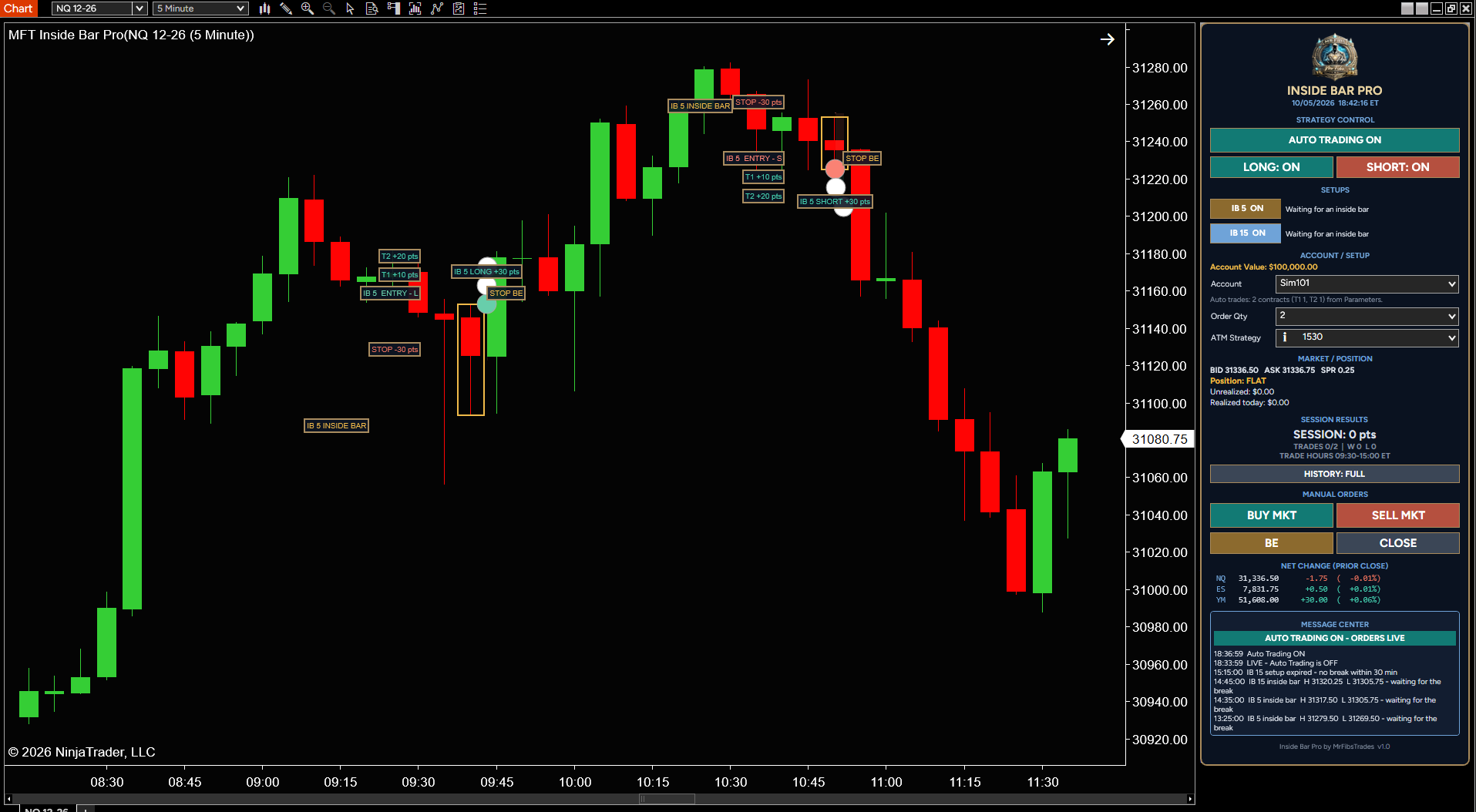
Trade the break of an inside bar on the 5 and 15 minute - automatically or signals only - with your stop, up to five targets and a full trading panel right on your chart.

$195 $117

MrFibsTrades Market Pulse - Net Change

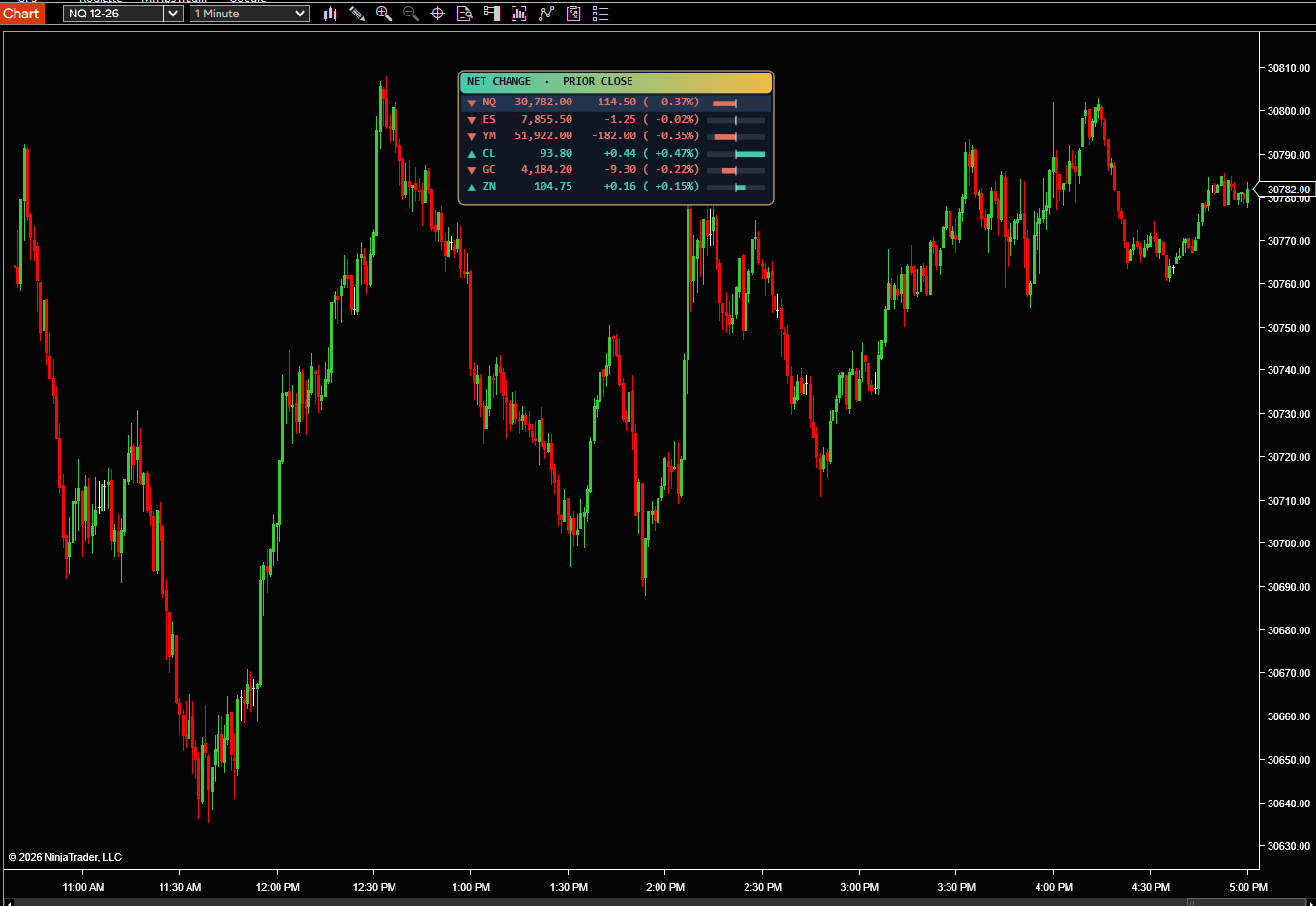
See how NQ, ES, YM and up to 8 markets are doing today, right on your chart. Each one shows its price and how far it has moved from yesterday’s 4:00 PM close, in points and percent.

Free

MFT Pivot Levels

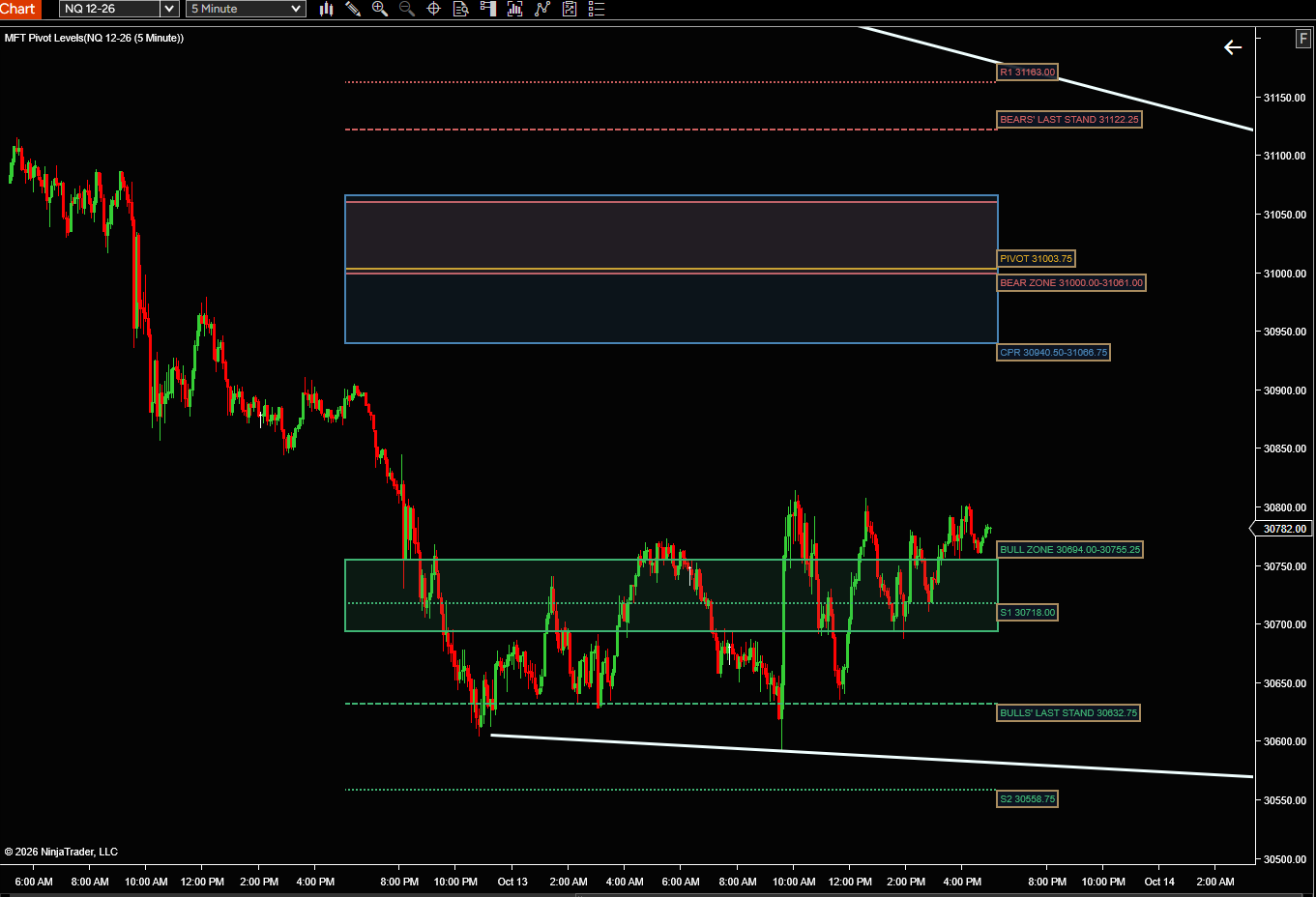
The same levels MFT Pivot Player Pro trades, drawn on your chart for free. The prior day’s Bear and Bull Zones, Last Stands, pivot and central pivot range show where price is likely to react today.

Free

Built for NinjaTrader 8 Desktop

Download

Indicator

NinjaTrader 8 indicator · saved in your account

We'll also email you the install steps. See our Privacy Policy.