Features
- Five countdowns at once: 60, 30, 15, 5 and 1 minute
- Set each timer to any number of minutes, or switch it off
- Turns amber in the last seconds before the bar closes
- Your chart's own time frame is highlighted
- Progress bars show how far along each bar is
- Free - NinjaTrader 8, any futures chart
About MFT Bar Timer
How it works
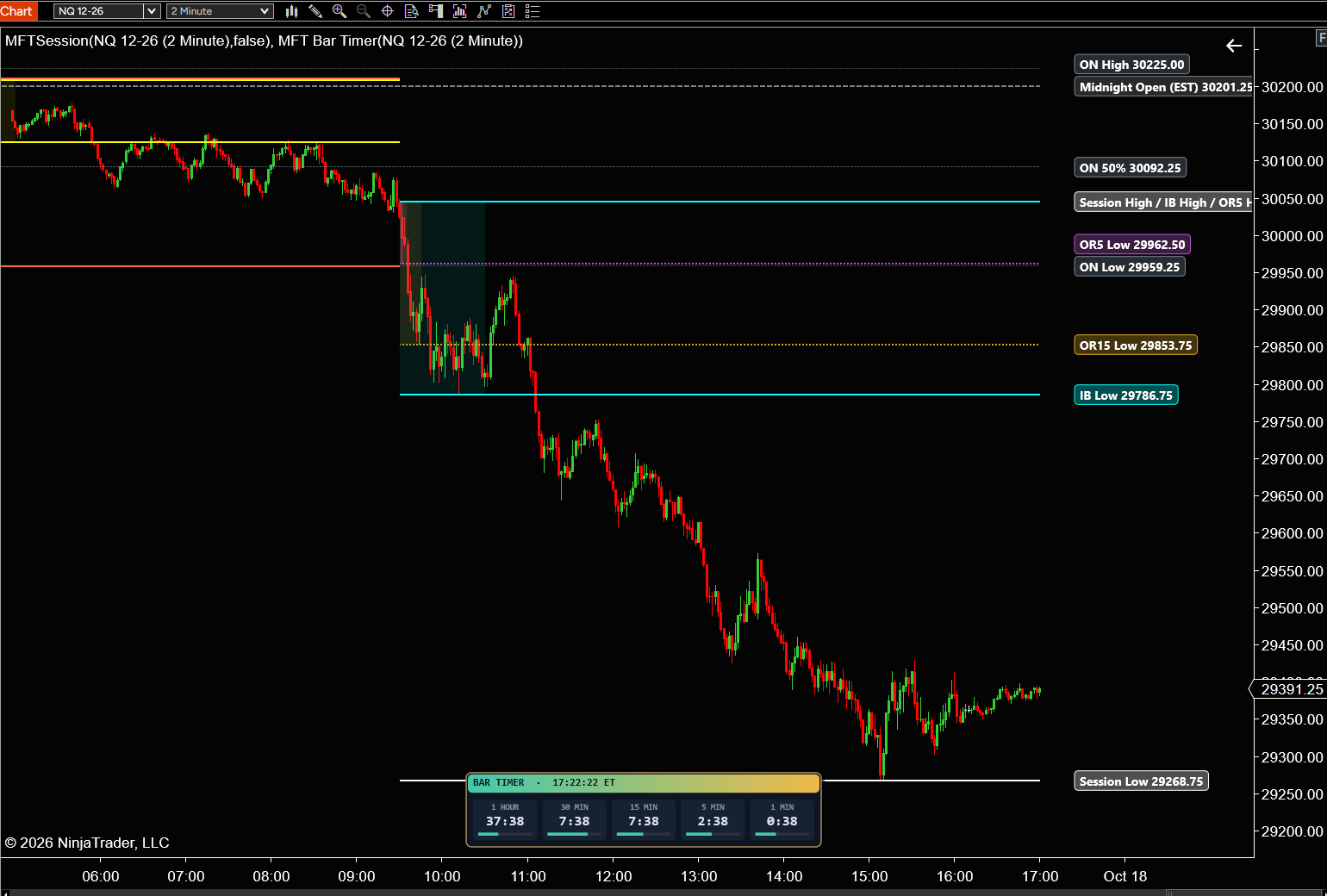
MFT Bar Timer shows how long is left until the 60, 30, 15, 5 and 1 minute bars close - all at the same time, in one tidy box on your chart.
Watch a 1 minute chart and still know exactly when the 5, 15 or 60 minute bar is about to close. No more flipping between charts or doing the math in your head.
What you see
- A header with BAR TIMER and the current Eastern Time, to the second
- One tile per timer, left to right, each showing its bar size and the time left
- A thin progress bar under each countdown that fills as the bar runs
- The tile that matches your chart's time frame is outlined in blue
- A countdown turns amber in its last seconds (10 by default), so you are ready for the close
Built for futures
- Bars are counted from the 6:00 PM ET futures session start, the same way NinjaTrader builds its minute bars
- Follows NinjaTrader's clock, so it works in Playback too
- Refreshes every second, even when the market is quiet
- Display only - it never places orders
Settings
- Timer 1 to 5: on/off, and any bar size from 1 to 1440 minutes (defaults 60, 30, 15, 5, 1)
- Warning: how many seconds before the close a timer turns amber (0 = off)
- Corner: put the box in any corner of the chart
- Font size, offsets from the edges, and progress bars on/off
Getting started
- Click Download and sign in. It’s saved in your account.
- Download the .zip from your account, then in NinjaTrader 8: Tools › Import › NinjaScript Add-On.
- Restart NinjaTrader and add it to a chart. The manual (PDF) is in your account.
- Run it in Sim or Playback until you’re comfortable with how it performs.
Reviews
No reviews yet. Own it? Leave the first review from your account page.
You might also like
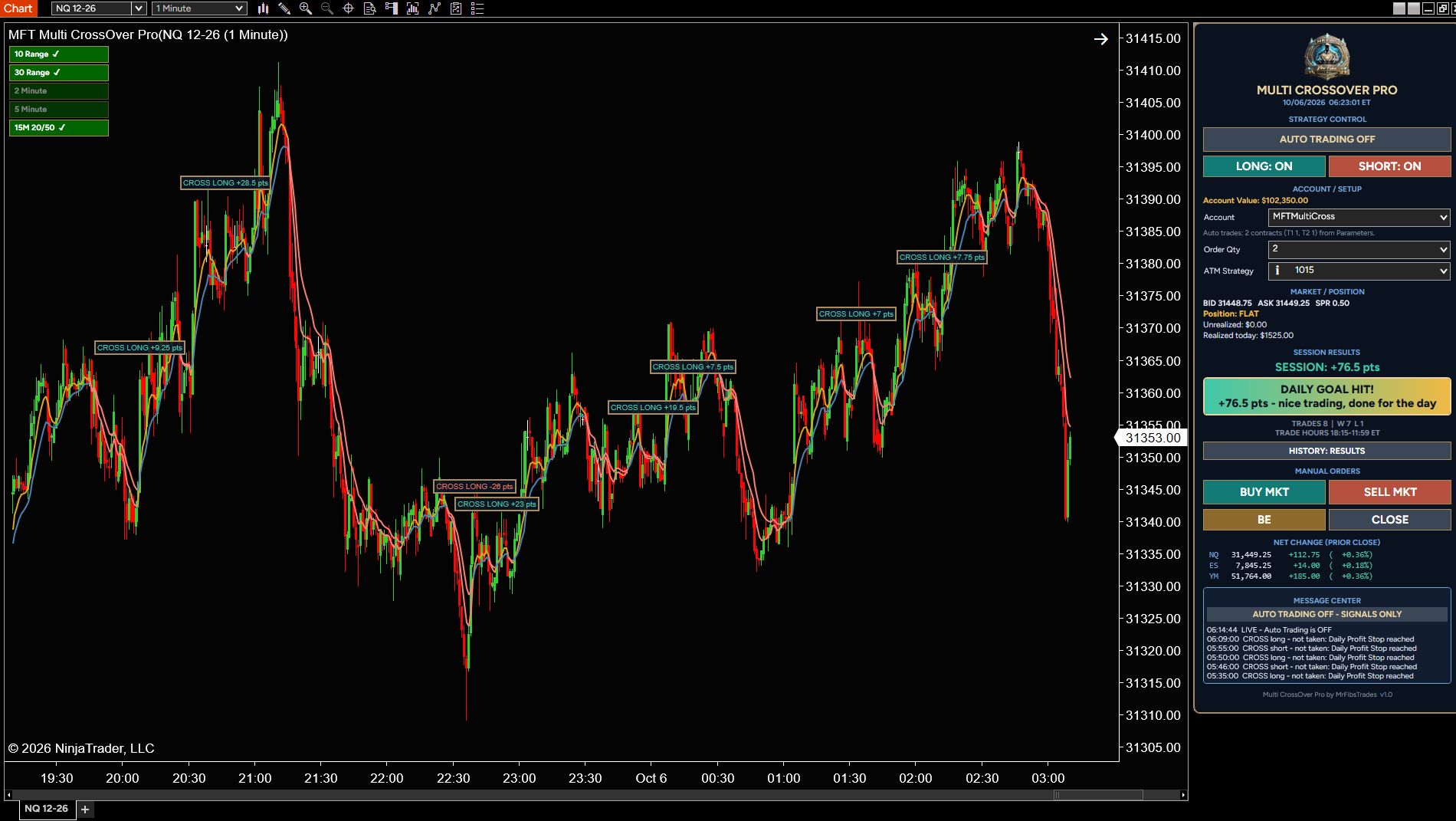
Trades EMA crossover only when the bigger picture agrees: four trend filters and the 15-minute trend must all point the same way before a trade is taken.
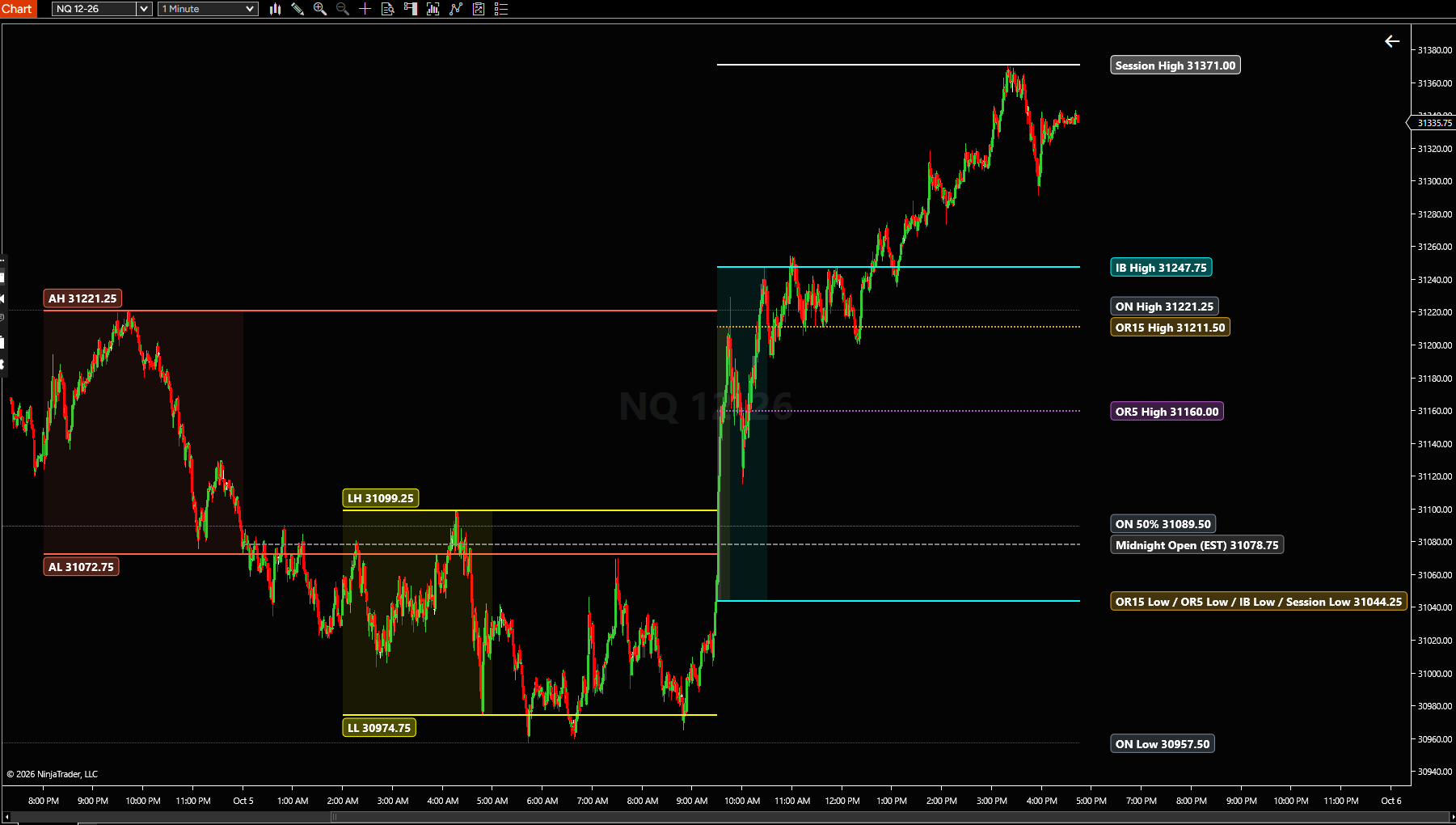
Opening range, Initial Balance and session highs/lows on your chart, updated live.
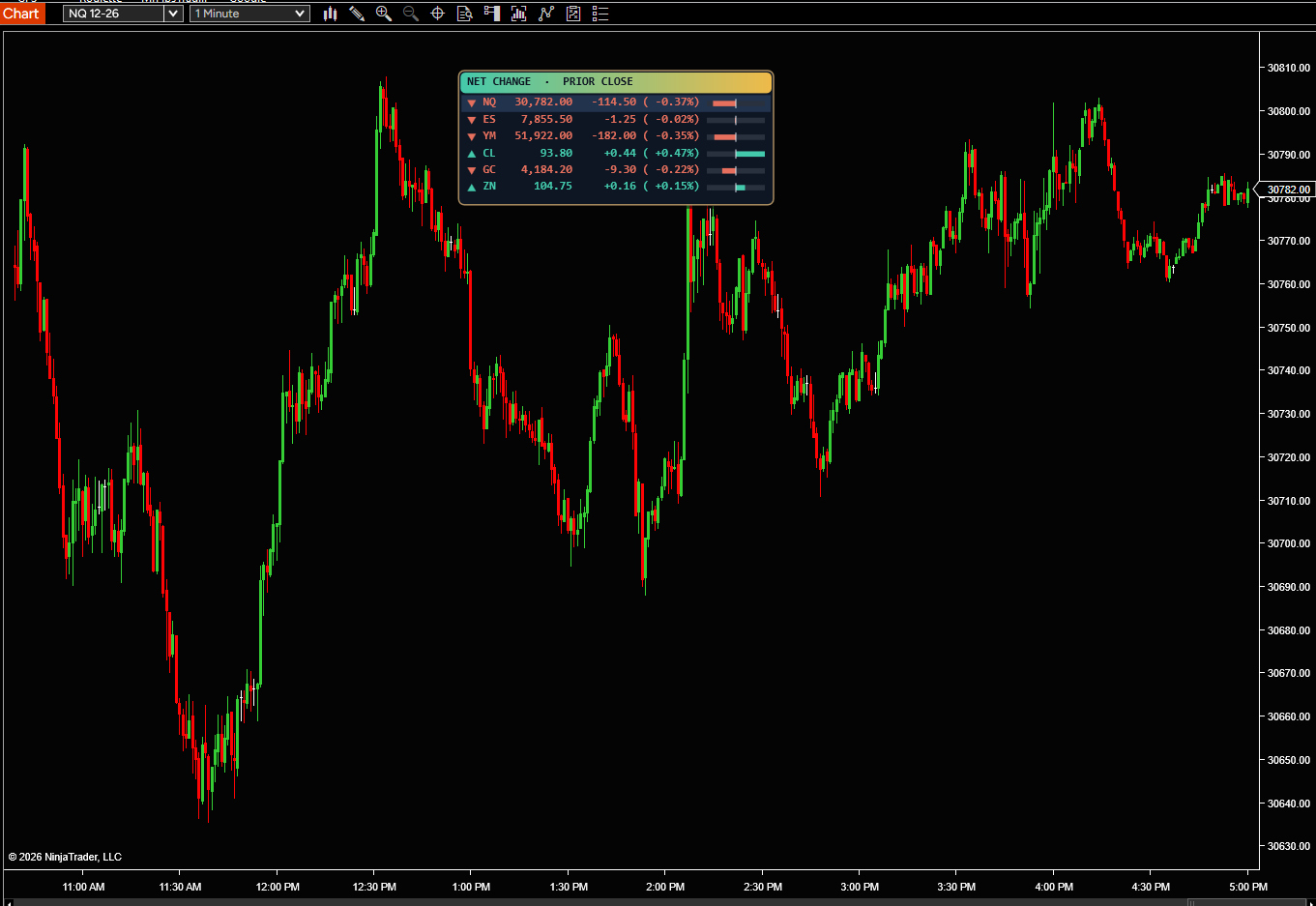
See how NQ, ES, YM and up to 8 markets are doing today, right on your chart. Each one shows its price and how far it has moved from yesterday’s 4:00 PM close, in points and percent.
← All indicators